
Quick Summary
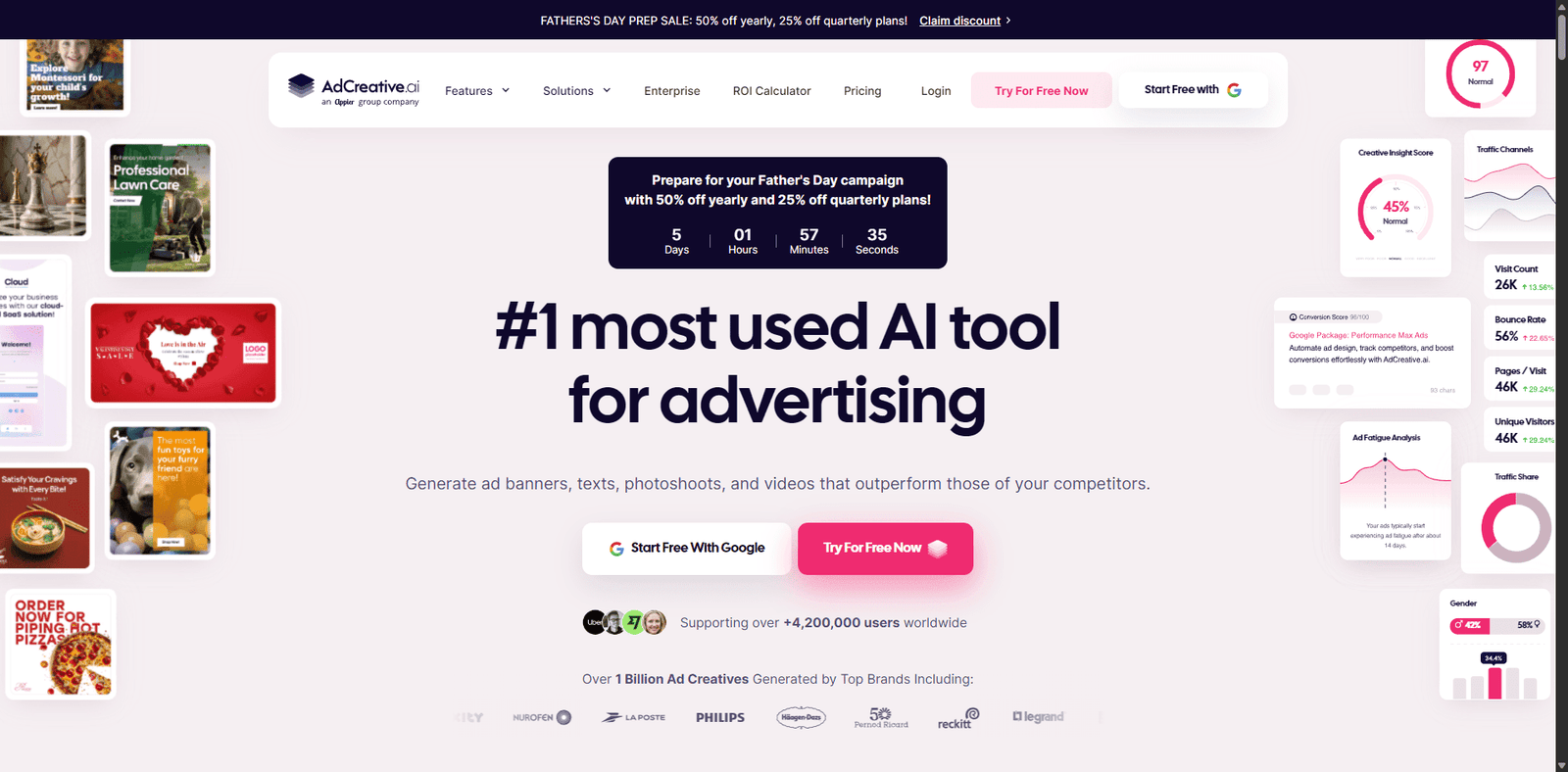
AdCreative.ai is built for one thing: turning ad concepts into conversion-focused creatives at scale. It leans heavily into performance marketing rather than generic design.
- Best for: Media buyers, ecommerce brands, agencies running paid ads
- Core strength: Data-backed ad creatives optimized for conversions
- Biggest limitation: Less useful for organic content or brand storytelling
- Verdict: A strong performance tool—but only if you’re actively spending on ads
Overview
AdCreative.ai positions itself differently from typical AI design tools. Instead of focusing on aesthetics alone, it aims to predict which creatives will convert, using historical ad performance data and machine learning.
You’re not just generating images—you’re generating ads with intent.
The platform is tightly aligned with paid channels like:
- Facebook Ads
- Google Display
- LinkedIn Ads
It also includes copy generation, product feed integration, and creative scoring.
Key Features
1. Conversion-Focused Creative Generation
Instead of generic visuals, AdCreative.ai produces:
- Ad banners
- Product-focused creatives
- Social ad formats
Each output is optimized for CTR and conversion probability.
2. Creative Scoring System
One standout feature is its AI scoring layer, which estimates how well a creative might perform before you even launch it.
This is especially useful for:
- A/B testing prioritization
- Reducing wasted ad spend
3. Ad Copy Generation
Includes built-in AI copywriting:
- Headlines
- Primary text
- Call-to-actions
It’s not as deep as dedicated copy tools, but works well for ad variations.
4. Product Feed Integration
For ecommerce:
- Connect your store
- Automatically generate creatives for multiple products
This is a major time-saver for large catalogs.
5. Brand Consistency Controls
You can upload:
- Brand colors
- Logos
- Fonts
This keeps outputs aligned with your identity (though not perfectly every time).
Rating Snapshot (Ad Creative Tools Category)
| Category | Rating (out of 5) |
|---|---|
| Ease of Use | ⭐⭐⭐⭐☆ (4.2) |
| Design Quality | ⭐⭐⭐⭐☆ (4.1) |
| Conversion Focus | ⭐⭐⭐⭐⭐ (4.7) |
| Customization | ⭐⭐⭐⭐☆ (4.0) |
| Value for Money | ⭐⭐⭐⭐☆ (4.0) |
Overall Rating: ⭐⭐⭐⭐☆ (4.2/5)
Insight: The conversion optimization layer is where AdCreative.ai clearly outperforms most AI design tools.
Pricing Snapshot
| Plan | Best For | What You Get |
|---|---|---|
| Starter | Small businesses, beginners | Limited credits, basic creatives |
| Professional | Growing brands, marketers | More generations, better scaling |
| Ultimate | Agencies, high ad spend teams | High volume, priority features |
Pricing Notes:
- Pricing is credit-based (creative generation limits apply)
- Higher tiers unlock more variations and integrations
- No true “unlimited” plan
👉 Always check the official pricing page for the latest details, as plans and limits change frequently.
Pros & Cons
Pros
- Strong focus on performance marketing outcomes
- Saves time on creative testing workflows
- Built-in scoring helps prioritize winning ads
- Useful for ecommerce scaling
Cons
- Not ideal for organic/social-first content
- Creative outputs can feel slightly templated
- Limited deep customization vs manual design tools
- Requires ad spend to fully justify ROI
Best Use Cases
AdCreative.ai works best if you:
- Run Facebook or Google Ads regularly
- Need high-volume creative testing
- Manage multiple products or campaigns
- Want to reduce reliance on designers for ad iterations
It’s less useful if you:
- Focus on organic content (Instagram, TikTok growth)
- Need highly artistic or brand storytelling visuals
AdCreative.ai vs Typical AI Design Tools
| Feature | AdCreative.ai | Generic AI Image Tools |
|---|---|---|
| Conversion Optimization | ✅ Strong | ❌ None |
| Ad Templates | ✅ Built-in | ⚠️ Limited |
| Creative Scoring | ✅ Yes | ❌ No |
| Artistic Flexibility | ⚠️ Moderate | ✅ High |
FAQs
1. Is AdCreative.ai good for beginners?
Yes, but it’s most valuable once you’re actively running paid ads. Beginners without ad budgets may not fully benefit.
2. Does AdCreative.ai replace designers?
Not entirely. It replaces repetitive ad variations, but high-end branding still benefits from human design.
3. Can it improve ad performance?
It can help by prioritizing better creatives, but results still depend on targeting, offer, and funnel quality.
4. Which platforms does it support?
Primarily Facebook, Google, and LinkedIn ad formats.
5. Is AdCreative.ai worth the price?
If you’re spending consistently on ads, it can pay for itself by improving efficiency and reducing testing costs.
Final Verdict
AdCreative.ai isn’t trying to be a general-purpose design tool—and that’s exactly why it works.
It’s built for marketers who care about ROI, not just visuals. If you’re running paid campaigns at scale, it can meaningfully improve your workflow and creative testing speed.
If you’re not running ads yet, this tool will feel overkill.
Bottom line:
👉 A high-leverage tool for performance marketers
👉 Overkill for casual creators or organic content teams